Apple's iPhone Clock App Lacks Key Features, Users Say
Apple's pre-installed iPhone Clock app, used by hundreds of millions, faces criticism for missing basic functionalities found in competing apps. Key deficiencies include alarm scheduling, world clock limitations, and lack of device synchronization.
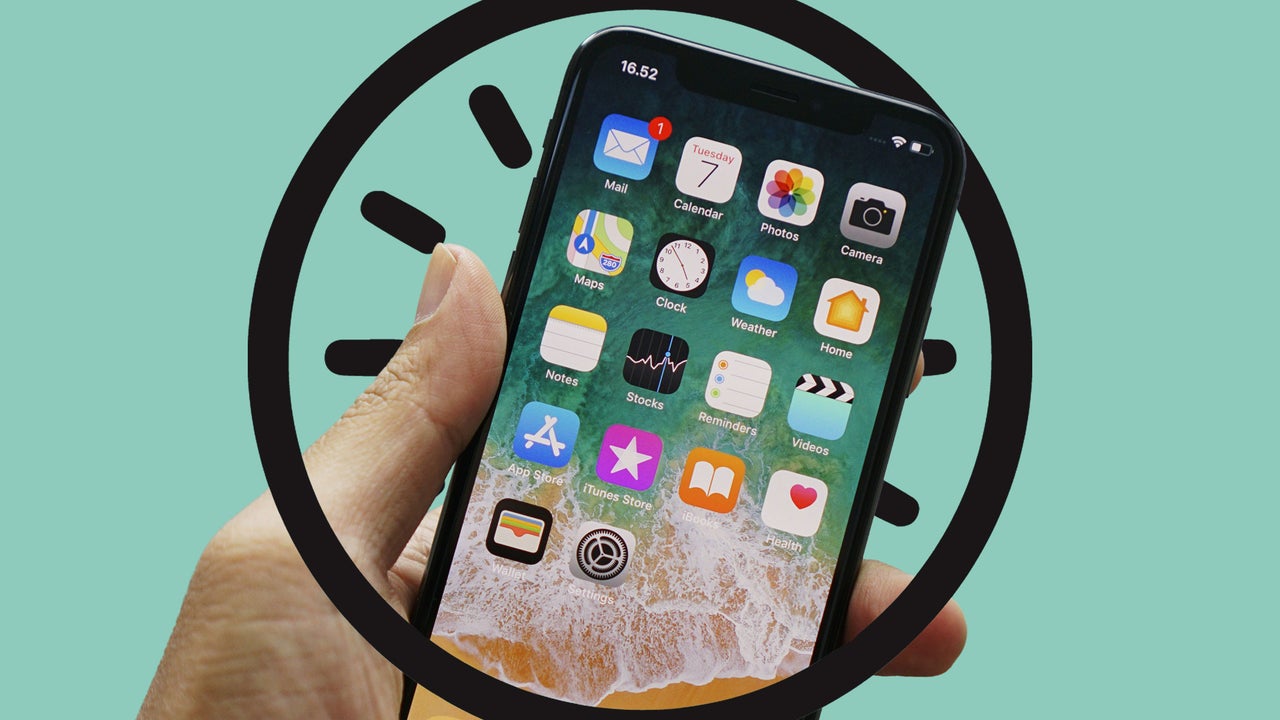
Apple's long-standing iPhone Clock app is facing criticism for its lack of essential features, which many users argue lags behind third-party and Android alternatives. Despite being a critical tool for hundreds of millions worldwide, the app, available since 2007, omits functionalities that could significantly improve usability.
A primary concern is the inability to set alarms for specific future dates. While users can set recurring alarms for days of the week, they cannot schedule an alarm for a particular calendar date, such as an upcoming flight. This requires manual adjustment the night before, a process prone to error for travelers.
Furthermore, the app lacks a simple way to dismiss "redundancy" alarms – typically set a few minutes after a main alarm. Users must open the app to manually disable these, only to remember to re-enable them for the next day if needed. The World Clock feature is also criticized for its limited selection of cities, forcing users to find the closest listed city to their desired location.
Perhaps the most significant oversight is the failure of alarms and World Clock cities to sync across Apple devices via iCloud. Users must manually configure these settings on iPads and Macs, a stark contrast to other Apple apps like Weather, which synchronize data. While Apple could implement sync options with user-controlled settings, this basic functionality remains absent.
Users hope Apple will address these shortcomings, potentially adding features like a digital clock face option for the app icon, to enhance the Clock app's utility and user experience.