Creality 3D Explains How to Fix "Elephant Foot" in 3D Prints
Shenzhen Creality 3D Technology Co., Ltd. has released a guide addressing the common 3D printing issue known as "elephant foot," where the base of a print bulges outward, affecting dimensions.
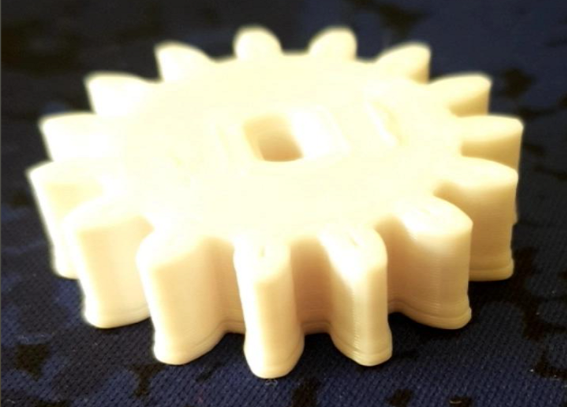
Shenzhen Creality 3D Technology Co., Ltd., a manufacturer of 3D printers, has published a technical guide detailing the causes and solutions for "elephant foot," a common defect in additive manufacturing.
The "elephant foot" phenomenon occurs when the first few layers of a 3D print extrude beyond the intended boundaries, creating a bulge at the base of the object. This outward spreading can compromise the dimensional accuracy and fit of printed parts, making them unsuitable for applications requiring precise assembly or tolerances.
According to Creality's analysis, the defect is primarily caused by excessive heat and pressure affecting the initial layers. Specific contributing factors include the nozzle being set too close to the build plate (low Z-offset), excessively high bed temperatures that keep the extruded material fluid, over-extrusion on the first layer, and insufficient cooling of the early layers. Uneven bed leveling can also lead to localized bulging.
To rectify the issue, Creality recommends several adjustments. These include re-leveling the print bed and fine-tuning the Z-offset, reducing the bed temperature in small increments, decreasing the extrusion flow rate or line width for the first layer, and enabling part cooling earlier in the printing process. For severe cases, the guide suggests using a "brim" to spread the initial extrusion over a wider area or employing a "raft"—a disposable base layer that absorbs the deformation.
Additionally, Creality mentions design-level solutions, such as adding a chamfer or fillet to the base edges of a model to visually mask any slight bulge. The company also points to "elephant foot compensation" settings found in some slicing software as a potential automated fix. A calibration print is advised to verify the success of applied solutions.