Creality 3D Releases Guide on Adding Weight to 3D Prints
Creality 3D has released a technical guide detailing methods to increase the weight and tactile feel of 3D prints, aiming to enhance their premium quality and stability.
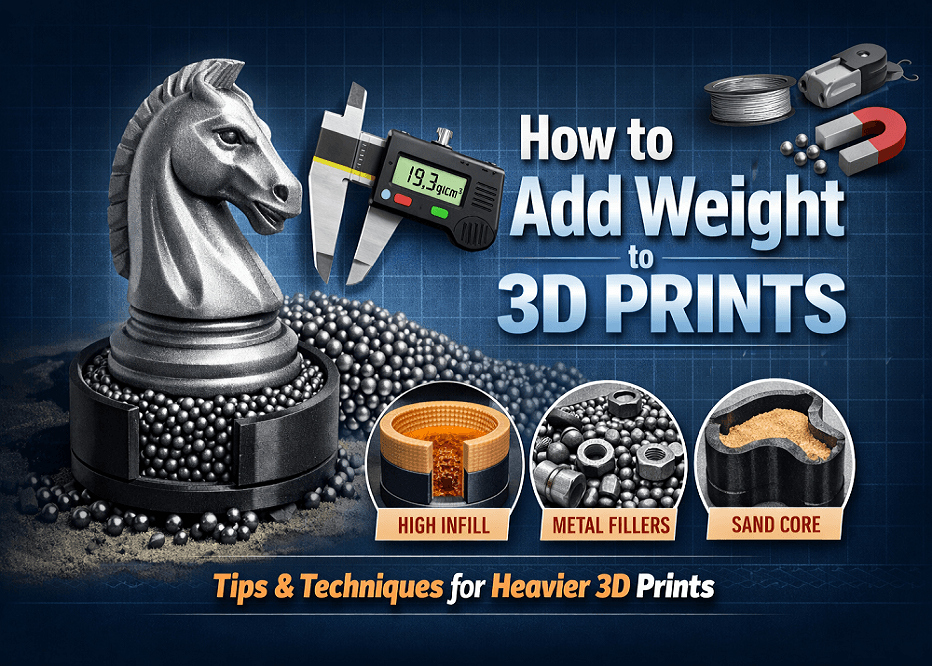
Shenzhen Creality 3D Technology Co., Ltd. has published a technical guide focusing on methods to add weight to 3D prints. The guide, titled "How to Add Weight to 3D Prints: The 2025 Pro Guide," addresses the need to improve the tactile experience and perceived quality of printed objects.
Traditional FDM prints often utilize low-density materials like PLA and PETG, with hollow infill patterns resulting in parts that can feel light and fragile. Creality emphasizes that the standard for a premium 3D print is no longer solely visual, but also tactile, with weight being a significant factor.
The guide outlines six distinct methods for adding weight. These include increasing the print's infill density, filling internal cavities with materials such as sand or salt, embedding metal hardware like nuts and bolts during the printing process, and using steel or tungsten shot for maximum density. It also covers options like pouring liquid resins or plaster and incorporating magnetic bases for stability.
These techniques are recommended for applications requiring stability, such as tall decorative models or functional desk accessories, as well as for props where a substantial feel is desired. Conversely, adding weight should be avoided in moving parts or in fields like aerospace where weight impacts performance.
Creality also highlights its Creality Print software, featuring a "Pause at Height" function. This allows for an automated pause during printing to insert weighting materials into cavities before the print continues, simplifying the process and reducing the need for manual G-code editing.