Creality Guide Details ABS Print Speed Optimization for Quality
Creality 3D Technology has released a guide on optimizing ABS print speeds for 3D printers. The guide emphasizes finding a balance for quality and efficiency, noting that speed impacts layer adhesion and warping.
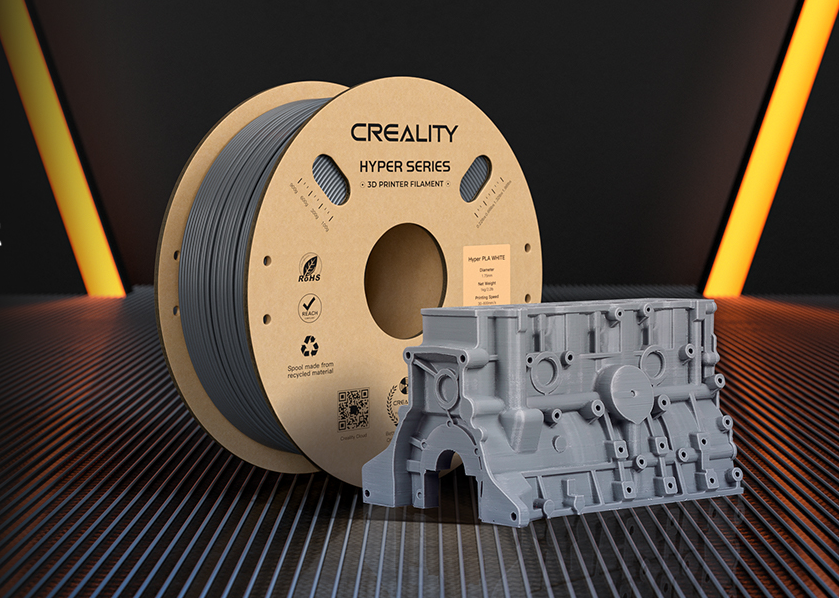
Shenzhen Creality 3D Technology Co., Ltd. has published a guide to help users optimize printing speeds for ABS filament, aiming to improve both the quality and efficiency of 3D prints. The guide highlights the challenges of finding the 'sweet spot' between printing too fast, which can cause warping, and too slow, which wastes time.
The guide explains that ABS, known for its thermal properties, requires careful speed control. Higher printing temperatures mean the filament cools slower, affecting how subsequent layers adhere. Creality suggests a typical ABS print speed range of 40-60 mm/s. This speed allows for uniform cooling, better layer adhesion, and reduced warping, contributing to a smoother surface finish.
Several factors influence the optimal print speed for ABS, including nozzle temperature (typically 220-250°C) and bed temperature (80-110°C). The printer's capabilities, such as extruder type and cooling systems, also play a role. The guide warns that printing too fast increases the risk of warping and stringing, while printing too slowly can degrade the filament and lead to uneconomical print times.
Creality points to its K2 Plus and Ender series printers as offering the customization needed to fine-tune settings for ABS. The company also mentions its high-speed printers, like the K1, which can print ABS at higher temperatures but still recommend a controlled speed within established ranges for best results.