Creality K2 & K2 Pro First Layer Adhesion and Layer Compression Troubleshooting
Shenzhen Creality 3D Technology has issued troubleshooting guidance for common first-layer adhesion issues and layer compression on its K2 and K2 Pro 3D printers.
Shenzhen Creality 3D Technology Co., Ltd. has released a troubleshooting guide addressing common issues with first-layer adhesion and layer compression encountered on its K2 and K2 Pro 3D printer models.
The guide outlines several potential causes for these printing problems. These include contamination of the print platform from sources like hand sweat, leveling inaccuracies, insufficient print bed temperature for the filament type leading to shrinkage, and residual filament affecting Z-axis homing, which can result in an improperly positioned first layer.
Creality advises users to clean the print platform thoroughly, recommending water and dish soap for general cleaning, and potentially a glue stick to improve adhesion if issues persist. The guidance also emphasizes the importance of calibration, suggesting that auto-leveling, flow calibration, and first-layer detection should be utilized when switching filament types, moving the machine, or after firmware updates.
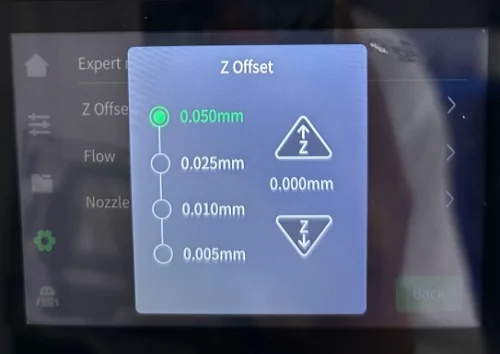
Users are also instructed to check for loose nozzle and hot bed components and to fine-tune the Z-offset based on the results of the first printed layer. The company recommends using its official slicer software with default parameters for the corresponding filament.
For users who continue to experience difficulties, Creality provides an online support channel for further assistance.