Creality Offers Guidance on Removing 3D Prints from Build Plates
3D printer manufacturer Creality has released a guide providing users with tips and methods for safely removing prints from build plates without causing damage.
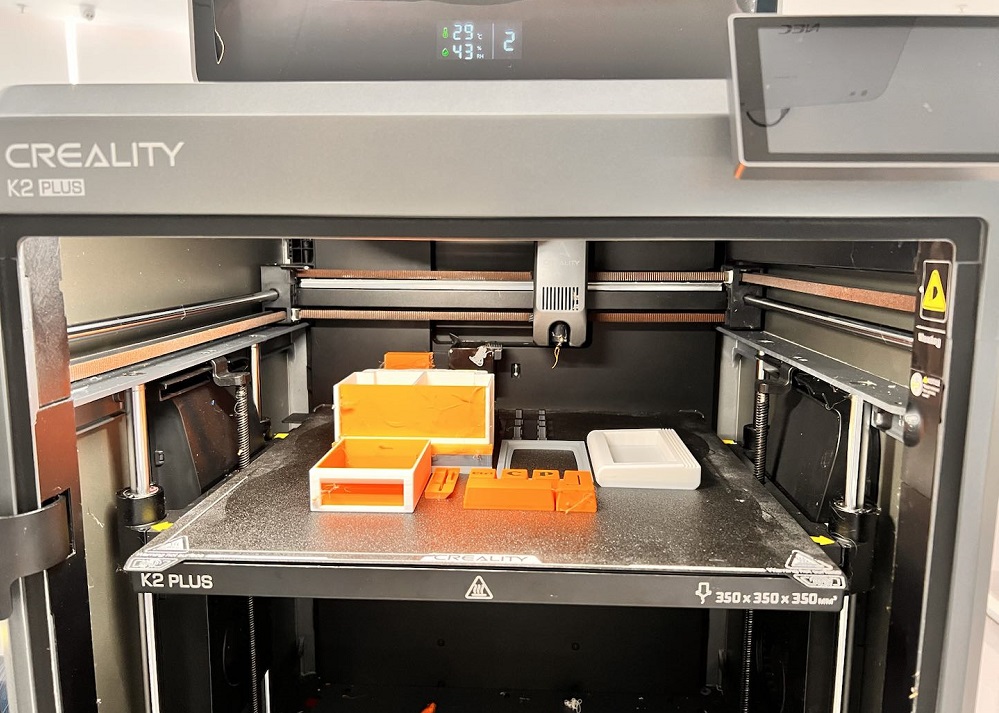
Shenzhen Creality 3D Technology Co., Ltd., a prominent 3D printer manufacturer, has issued guidance aimed at helping users overcome challenges with removing finished prints from their build plates. The guide outlines several techniques designed to ensure prints can be detached without damaging the model or the printer's build surface.
Common reasons for prints adhering too strongly to the build plate include excessively high bed temperatures, over-compression of the first layer, an unlevel bed, or the use of adhesives like hairspray or glue sticks. Material choices, such as PETG, and textured build plates can also contribute to adhesion issues.
Creality's recommended methods begin with allowing the build plate to cool down, as differential cooling rates between the print and the plate can aid separation. Utilizing a flexible build plate, which can be bent to pop off prints, is also suggested. For stubborn prints, the use of thin tools like a plastic scraper or spatula is advised, with caution to avoid scratching the build surface. Isopropyl alcohol or water can be applied to help loosen prints, particularly when adhesives have been used.
If cooling proves insufficient, reheating the bed slightly might help. The guide also suggests using dental floss or fishing line as a tool for separating prints. Additionally, the company offers advice on safely removing print supports and on preventative measures, such as proper bed preparation and correct leveling and Z-offset adjustments.