Creality Offers Tips for Accelerating 3D Printing Speed
Shenzhen Creality 3D Technology Co., Ltd. has released guidance on how to increase 3D printing speeds without sacrificing quality, focusing on hardware and software adjustments.
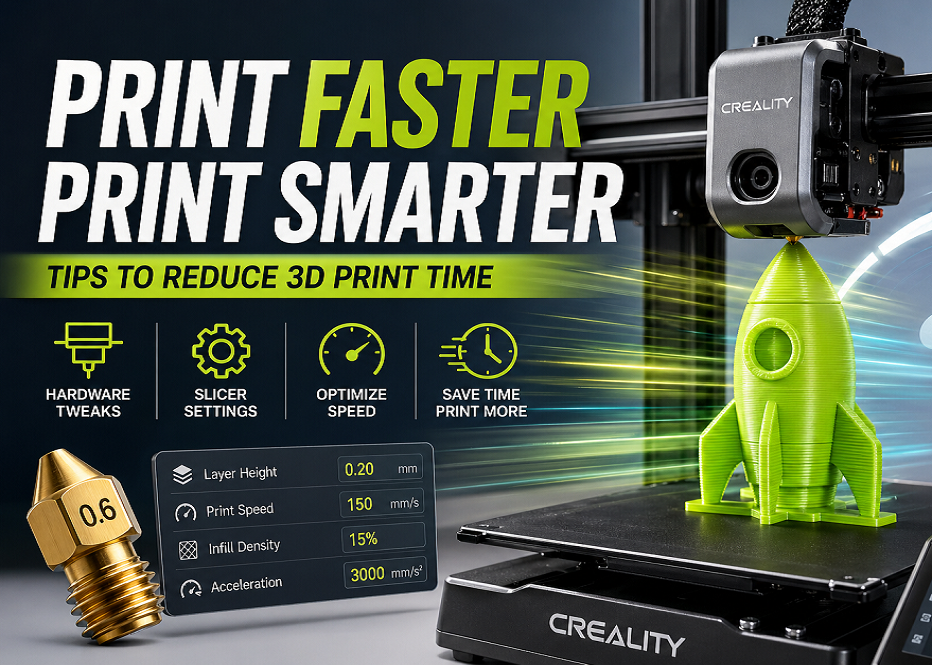
Shenzhen Creality 3D Technology Co., Ltd. has published a guide detailing expert advice for accelerating 3D printing processes while maintaining quality. The recommendations cover both hardware modifications and software (slicer) setting optimizations.
To reduce print times, the company suggests changing to a larger nozzle. A larger nozzle extrudes more filament per pass, significantly decreasing the number of movements the print head needs to make. This hardware adjustment is particularly effective for larger models and prototypes where fine detail is less critical.
On the software side, print speed can be increased by adjusting parameters such as layer height, print speed, acceleration, and infill density. Increasing layer height and print speed reduces the number of layers and overall print duration. Adjusting acceleration and "jerk" settings can expedite print head movements, but requires ensuring hardware stability to mitigate vibrations and potential quality issues.
The company emphasizes understanding the capabilities of specific 3D printers and tailoring settings to individual projects. Regular inspection and maintenance of the printer's mechanical components, including linear guides and belts, are also highlighted as essential for consistent printing speeds.
These tips are aimed at both hobbyists and professionals seeking to enhance their 3D printing efficiency without compromising the quality of the final output.