Creality Releases Guide for K2 Plus Combo Unboxing and Setup
3D printer manufacturer Creality has published a detailed guide for unboxing and setting up its K2 Plus Combo model. The release aims to clarify the process steps for users.
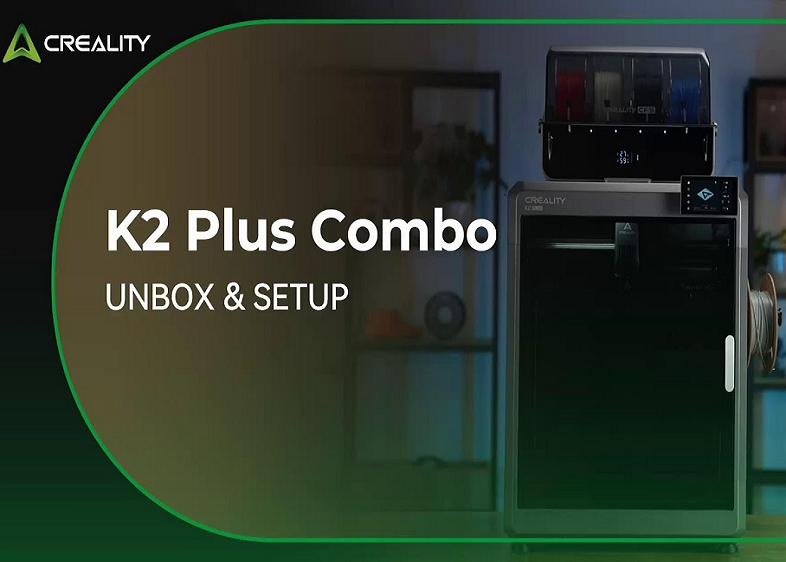
3D printer manufacturer Shenzhen Creality 3D Technology Co., Ltd. has released a comprehensive guide for its new K2 Plus Combo model. The publication focuses on instructing users through the unboxing and initial setup process, preparing the device for operation. The guide details each step, including the removal of protective materials, handling of accessories, and disassembly of critical components such as shipping restraints.
Creality acknowledges that device setup can present challenges for new users, and this release is intended to address that need. The guide incorporates visual instructions and covers steps from opening the packaging to preparing for the first test print. The objective is to make the onboarding experience as smooth as possible for consumers.
The guide addresses specific aspects of package opening, such as removing clasps and internal support structures. It also provides guidance on using necessary tools, like the included unboxing wrench for disengaging fasteners. For instance, the removal of the print bed and other protective coverings is explained with clear directives.
The device comes with various accessories and materials, and the guide aims to simplify their identification and extraction. It also describes the removal of camera covers and internal components. Creality emphasizes the importance of caution and adherence to instructions to prevent damage during the setup phase.
Shenzhen Creality 3D Technology Co., Ltd. continues its efforts to facilitate the adoption of 3D printing technology for consumers and professionals by providing clear and detailed user education materials for its new devices.