Creality Releases Maintenance Guide for K2 Series 3D Printers
Shenzhen Creality 3D Technology Co., Ltd. has released a detailed maintenance guide for users of its K2 series 3D printers, focusing on cleaning and lubricating the Z-axis lead screws.
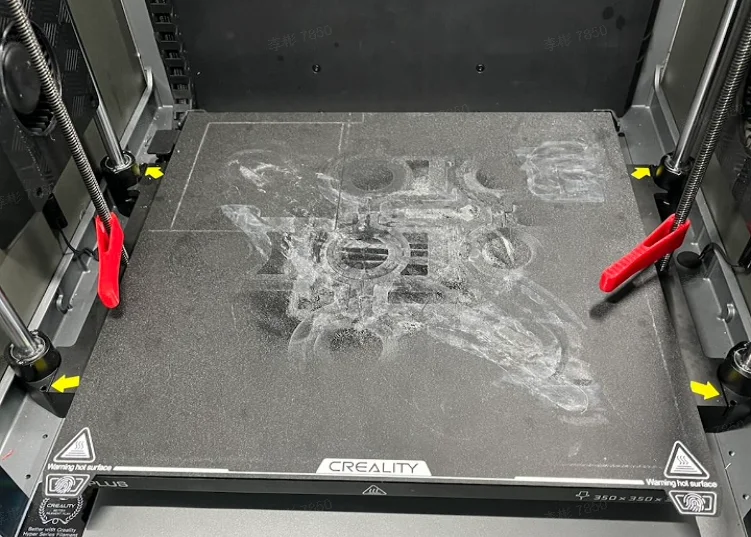
Shenzhen Creality 3D Technology Co., Ltd. has issued a new user guide for its K2 series of 3D printers. The guide focuses on the cleaning and lubrication of the Z-axis lead screws, which is essential for ensuring smooth printing movement.
According to the company, regular maintenance helps maintain the equipment's performance and extends its operational lifespan. The instructions include step-by-step descriptions of necessary tools, such as lint-free cloths, a toolbox, and specialized cleaning tools that users can print themselves.
The procedure involves homing the Z-axis automatically, then lowering the print bed to its lowest position. The lead screw covers are removed, and cleaning tools are placed at the bottom of the lead screws. Raising the printer's Z-axis using the cleaning tools removes accumulated debris and old lubricant. The process is repeated as necessary, and finally, the lead screws are wiped clean and lubricated with a silicone-based lubricant.
Creality recommends lubricating the K2 series printers' lead screws weekly for frequent users and bi-weekly for less frequent use. This maintenance guide aims to assist users in preserving their printers' efficiency and ensuring high-quality output.