Creality Releases SPARKX i7 Hotend Clumping Troubleshooting Guide
3D printer manufacturer Creality has issued a guide to troubleshoot and repair hotend clumping issues on its SPARKX i7 model, offering steps for removal and prevention.
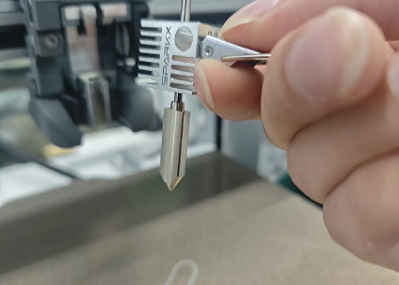
Shenzhen Creality 3D Technology Co., Ltd. has released a maintenance guide addressing hotend clumping problems for its SPARKX i7 3D printers. This issue, where filament adheres to the hotend and forms a mass, can halt the printing process.
The guide details a step-by-step procedure for removing the clump. This involves raising the print head, heating the nozzle to soften the filament, and then mechanically clearing it. Users are advised to wear heat-resistant gloves to prevent burns. For severe damage, Creality recommends submitting a support ticket or contacting customer service.
The article also emphasizes preventative measures. Recommended actions include ensuring the filament type matches slicing settings, maintaining a clean print bed, and adjusting temperature settings based on ambient conditions. For small models, adding a skirt to the print file is also suggested.
Creality, a manufacturer of 3D printers including the SPARKX i7, aims to support users through regular technical guides and troubleshooting resources.