Creality Releases Step-by-Step Guide for 3D Printer Setup
3D printer manufacturer Creality has published a comprehensive guide to assist users in setting up their first 3D printer, covering unboxing to initial print tests.
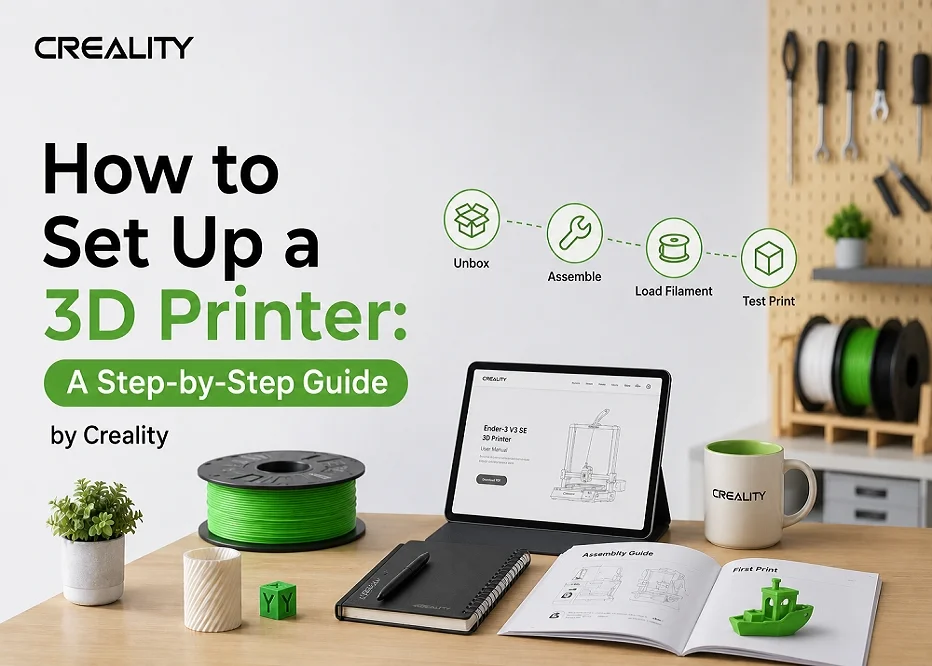
Shenzhen Creality 3D Technology Co., Ltd. has released a new guide detailing the step-by-step process for setting up a 3D printer. The publication aims to help new users with the initial setup, emphasizing the importance of proper installation for device longevity and print quality.
The guide covers multiple stages, beginning with unboxing the printer and preparing the workspace. Creality recommends a stable location with good ventilation and power access, advising against areas with high vibration or heat sources. Users are instructed to check all components for damage and to retain packaging materials until the setup is complete and tested.
During assembly, the guide suggests following model-specific instructions and utilizing video tutorials available on Creality's official YouTube channel. Key steps include verifying firmware updates and leveling the print bed, either automatically or manually, to ensure successful first layers.
Loading filament and performing an initial test print are also addressed. The guide recommends PLA filament for beginners and provides advice on its proper storage. It also guides users through creating a first test print, such as a calibration cube, using Creality's slicing software.
Finally, the guide touches upon optimizing and fine-tuning the printer, including adjusting layer height and using manufacturer-recommended temperature settings. The importance of regular maintenance is highlighted to maintain print quality and device functionality.