Creality SPARKX i7 Guide for Printing Flexible Filaments
Shenzhen Creality 3D Technology has released a guide for users of its SPARKX i7 printer, detailing how to effectively print with flexible materials like TPU. The guide covers filament and printer preparation, as well as slicing settings.
Shenzhen Creality 3D Technology Co., Ltd. has issued a comprehensive guide for users of its SPARKX i7 3D printer, focusing on the successful printing of flexible materials, particularly TPU.
The guide emphasizes proper filament preparation, including selecting materials with appropriate hardness for the specific printer configuration. The SPARKX i7 supports flexible filaments with a hardness of 95A or higher, while using the CFS Lite system for TPU requires a hardness of 64D or higher. Users are advised to dry all filaments before printing to prevent moisture absorption, which can lead to issues such as oozing and stringing.
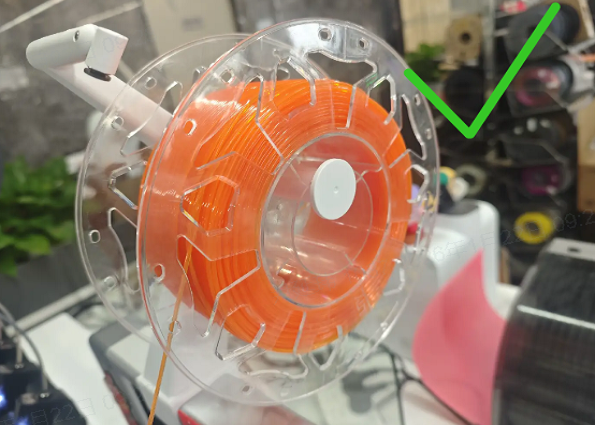
Printer preparation involves specific steps for flexible filaments when not using the CFS Lite system. This includes removing PTFE tubes from the toolhead and installing an external spool holder. The filament should then be fed via a short PTFE tube directly into the extruder's drive gears, bypassing the spool holder's pneumatic fitting.
For slicing settings, a 0.4 mm nozzle is recommended. Creality provides dedicated presets for its CR-TPU and HP-TPU filaments, while third-party flexible filaments should use the "Generic TPU" preset. To mitigate stringing, the guide suggests printing fewer models at a time or using the "print by object" mode to minimize travel moves.
Post-print instructions address the removal of models from the build plate, noting the strong adhesion of flexible filaments. It also provides methods for cleaning up stringing, such as using a hairdryer or a lighter, with caution advised to avoid damaging the print.