CrePal Offers Tools for Creating TikTok-Style Captions
CrePal has released guides and tools enabling users to create TikTok-style, word-by-word animated captions using Remotion software.
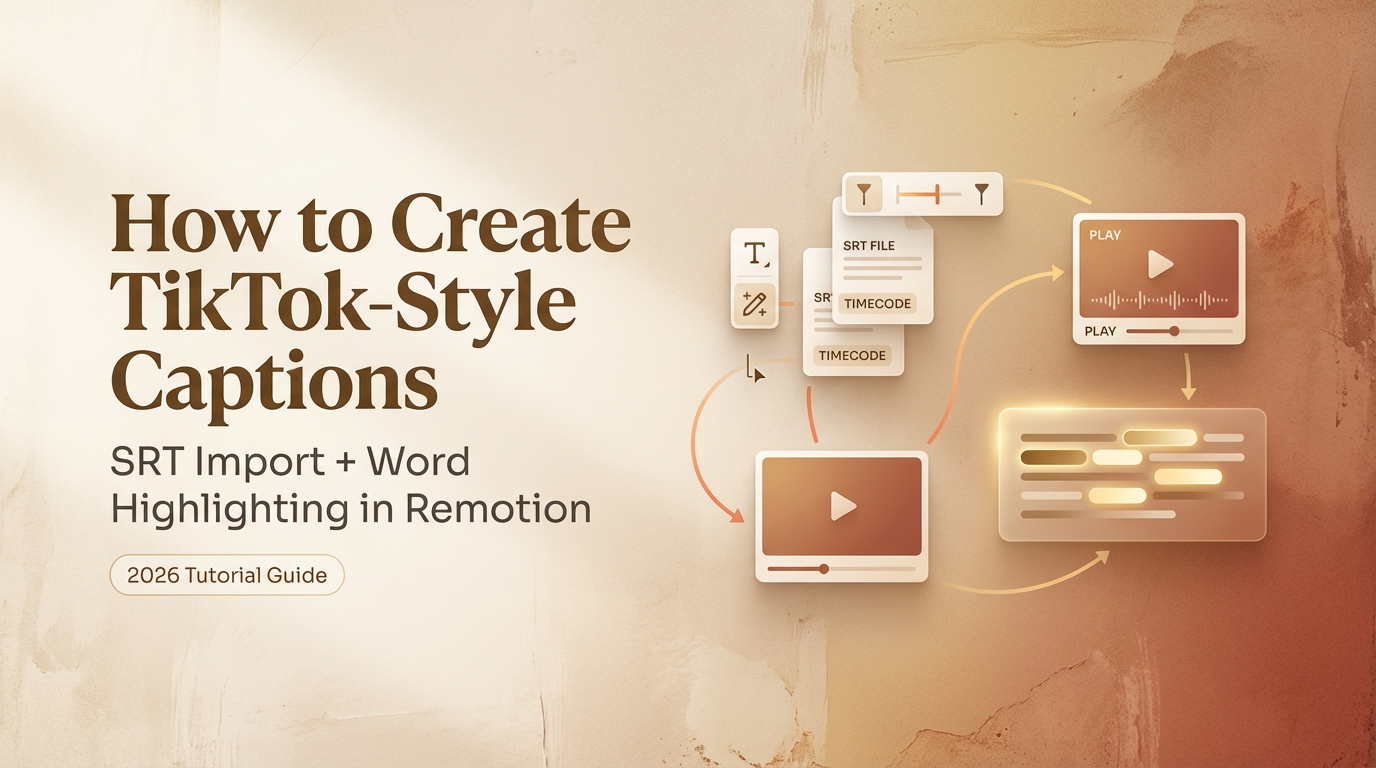
CrePal has released a guide detailing how to create TikTok-style, word-by-word animated captions using the Remotion software. The process leverages Remotion's native subtitle support and word-level timing, allowing for dynamic text animations within videos.
The method involves importing and parsing caption data, supporting both standard SRT files and JSON output from tools like Whisper AI. CrePal emphasizes the importance of accurate timing synchronization between captions and audio to prevent drift. The guide provides technical steps for integrating caption data into Remotion projects, including handling potential issues arising from video trimming or audio resampling.
Users can import SRT files directly or use JSON outputs from services like Whisper AI for automated word-level timing. The guide outlines the necessary code snippets and configurations within Remotion to achieve this. It also addresses compatibility issues, noting that formats like VTT and ASS/SSA require conversion to SRT first.
The signature TikTok-style animation, where each word highlights and bounces as it is spoken, is achieved using Remotion's createTikTokStyleCaptions() function. This function segments captions into "pages" with individual word timings. Creators can adjust the parameters to control the animation speed and style, opting for rapid, word-by-word emphasis or a more fluid presentation for longer sentences.