Dangbei N3 Max projector setup guide for open-world games
Dangbei has released a setup guide for its N3 Max gaming projector, detailing how to optimize it for open-world games like Zelda and GTA, emphasizing large screen immersion and low latency.
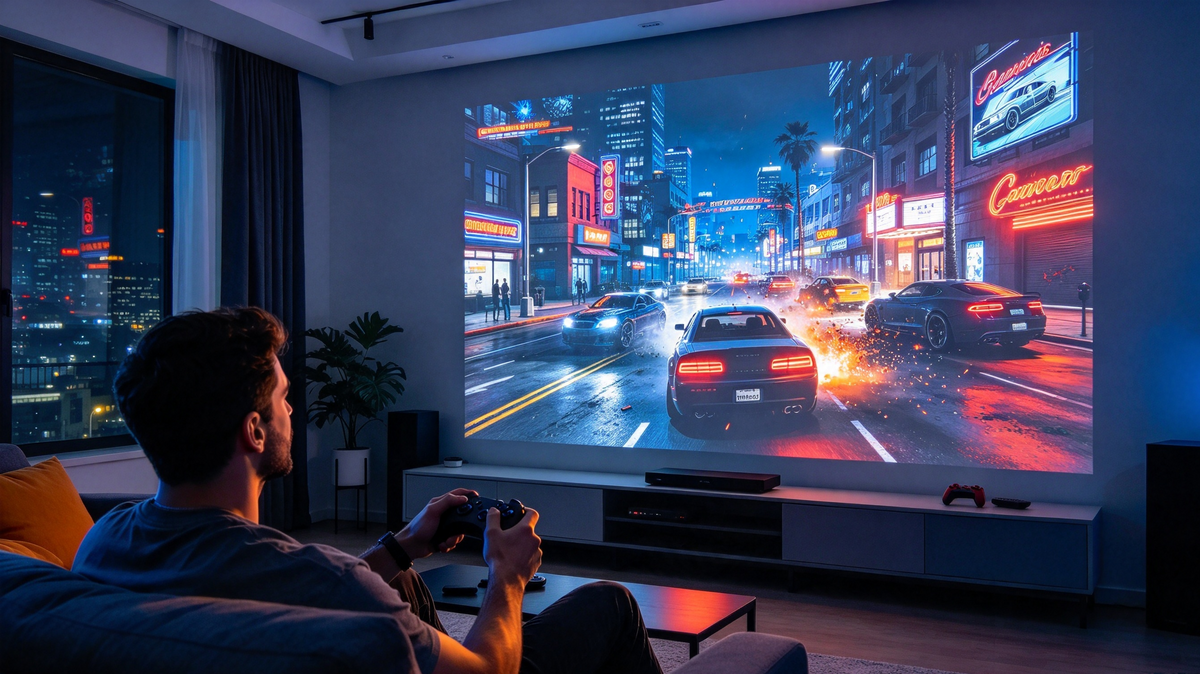
Dangbei has published a guide detailing the setup process for its N3 Max gaming projector, specifically tailored for enhancing the experience of open-world games such as The Legend of Zelda and Grand Theft Auto. The guide focuses on achieving immersive gameplay through large screen projection and ensuring responsive controls.
The N3 Max projector is highlighted for its ability to deliver a cinematic gaming experience, projecting native 1080p resolution up to 150 inches. It features a dedicated Game Mode designed to minimize input lag, a critical factor for fast-paced or reaction-based gameplay in titles that demand precision.
Key technical specifications for gaming projectors are explained, including input lag, resolution, refresh rate, and brightness. The guide emphasizes that a low latency setup is crucial for fluid control and quick responses. The Dangbei N3 Max projector offers these features, alongside auto-focus, auto-keystone correction, and a flexible stand for easier placement.
The setup steps include choosing an optimal screen size, typically between 80-120 inches for balanced immersion and clarity. Users are advised to connect their gaming consoles or PCs via HDMI 2.0 and to activate the projector's Game Mode for the lowest possible input lag. Fine-tuning picture settings like brightness and contrast is also recommended based on the game's visual style and lighting conditions.
For games like Zelda, emphasis is placed on color accuracy and brightness to capture vibrant environments, while for GTA, contrast is key for enhancing dark scenes and urban environments. The guide concludes by reiterating the importance of low latency and optimal picture settings for the best possible open-world gaming experience on a projected display.