Maxon details 3D printing workflow for ZBrush
Maxon has released technical guidance on utilizing the 3D Print Hub plugin in ZBrush to prepare and export models for additive manufacturing.
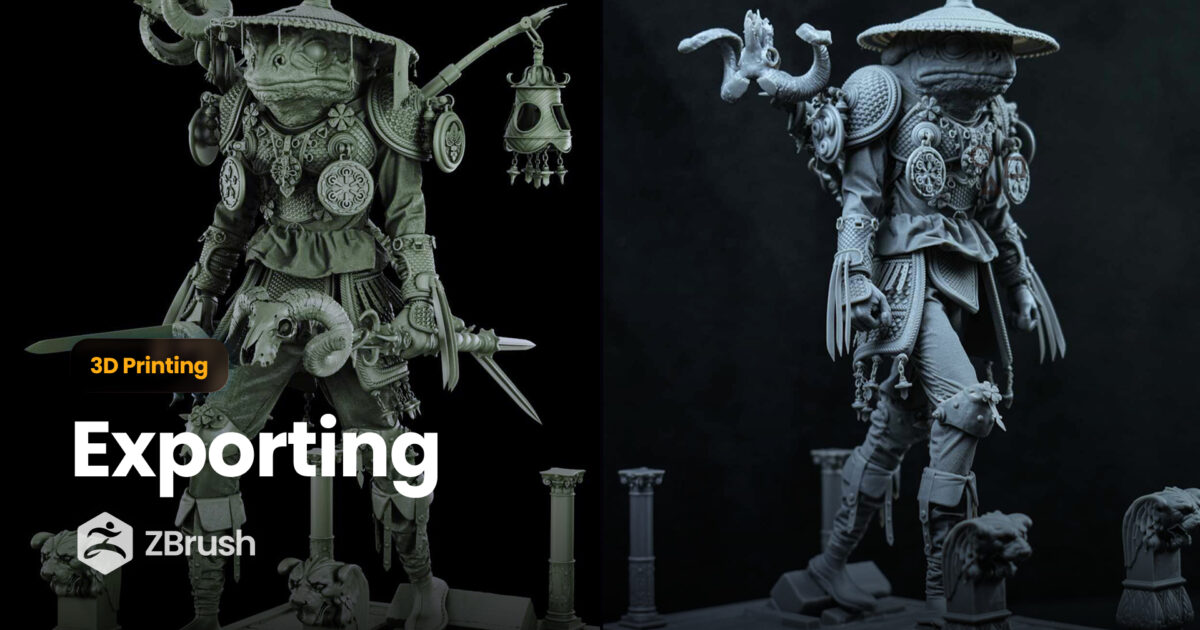
Maxon has provided documentation on the 3D Print Hub plugin, a feature integrated into ZBrush designed to bridge the gap between digital modeling and physical 3D printing. The tool allows users to define real-world dimensions and export meshes in standard formats including STL, 3MF, VRML, and OBJ.
Key to the plugin’s functionality is its ability to apply physical sizing parameters during the export process without altering the model's underlying data within ZBrush. This workflow is intended to prepare files for common slicer software such as PrusaSlicer, Cura, or Lychee Slicer, which generate the final machine instructions for 3D printers.
Beyond basic geometry, the 3D Print Hub supports the export of color data, allowing for full-color printing through formats like 3MF and VRML. Maxon emphasizes that before export, users should ensure models are watertight and within appropriate polygon counts, utilizing tools like Decimation Master if necessary to optimize files for production.