Optimizing iPhone settings can mitigate unnecessary battery drain
Numerous background processes and application location permissions frequently contribute to faster battery depletion on iOS devices.
Many applications on iOS devices utilize GPS tracking in the background, often processing location data even when not actively in use. Industry analysis suggests that users can improve battery performance by auditing these permissions within the system settings.
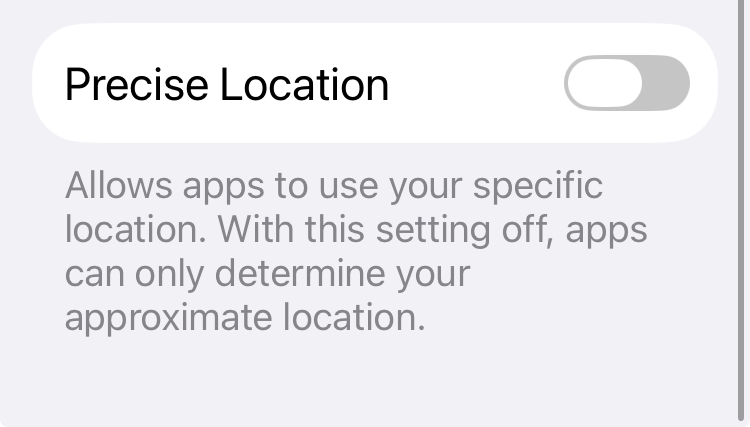
Key areas for adjustment include restricting apps to 'While Using' access rather than 'Always,' and disabling 'Precise Location' for applications that do not require high-accuracy positioning. Additionally, the System Services menu contains several data-gathering processes, such as Location-Based Apple Ads and device analytics, which can be toggled off to reduce radio activity.
Users may also limit battery impact by clearing the 'Significant Locations' history and disabling background refresh for non-essential applications. These measures aim to curb the continuous logging and data transmission routines that consume power during idle periods.